
Docker Volumes Explained: The Complete Beginner's Guide to Persistent Storage in Docker
Imagine you’re running a database inside a Docker container. Everything works perfectly until someone accidentally removes the container. When you start a new one, your entire database is gone.
This surprises almost every beginner because containers are ephemeral by design. Once a container is deleted, everything stored inside its writable layer disappears.
That’s exactly why Docker Volumes exist.
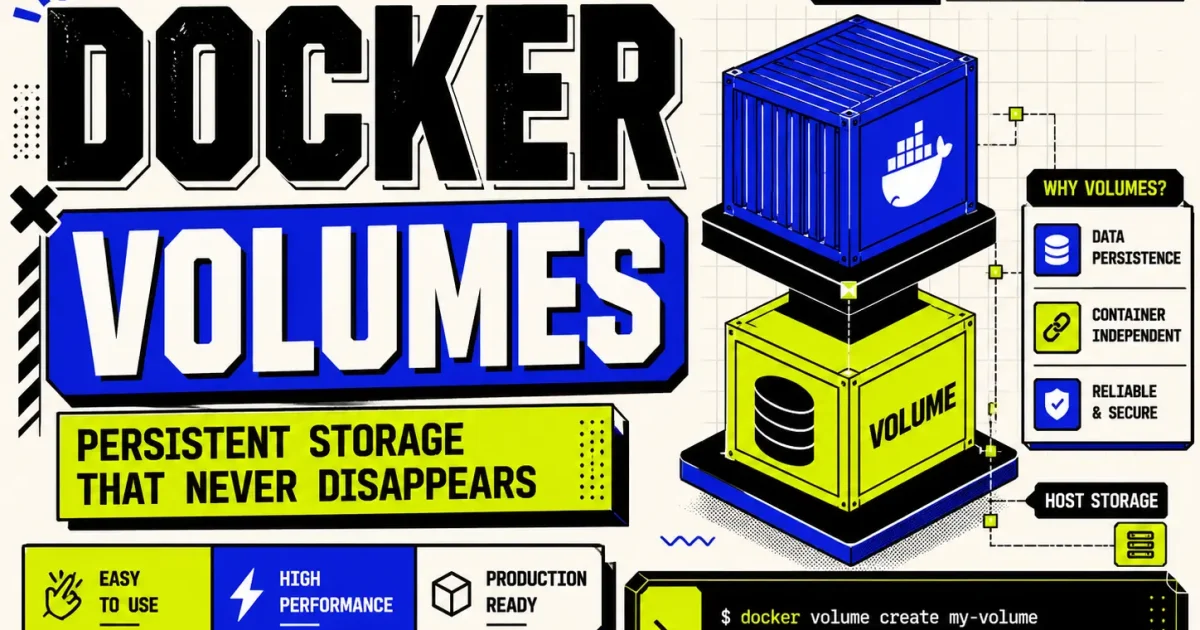
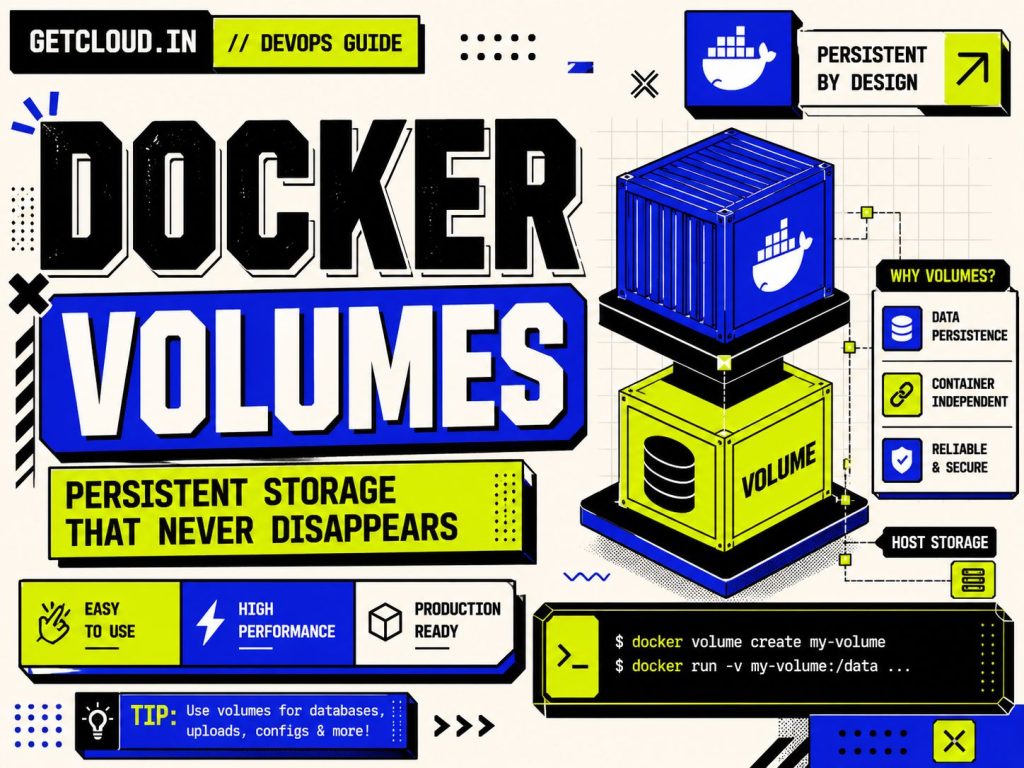
Docker Volumes provide persistent storage that lives independently of containers, allowing your applications to keep data even if containers are recreated, updated, or replaced.
Whether you’re running MySQL, PostgreSQL, MongoDB, Jenkins, WordPress, or any stateful application, understanding Docker Volumes is one of the most important skills in your DevOps journey.
What Are Docker Volumes?
A Docker Volume is a managed storage location created and maintained by Docker.
Instead of storing application data inside the container’s filesystem, Docker stores it in a dedicated location on the host machine and mounts it into the container whenever required.
This means:
- Delete the container → Data stays.
- Upgrade the image → Data stays.
- Restart Docker → Data stays.
The volume becomes independent from the lifecycle of any individual container.
Why Do Containers Lose Data?
Every Docker container consists of multiple read-only image layers and one writable layer.
Docker Image
 ├── Layer 1
 ├── Layer 2
 ├── Layer 3
 └── Writable Layer
Whenever you write files inside the container, they are stored in the writable layer.
If the container is deleted, the writable layer disappears.
That’s why data is lost.
Docker Volumes solve this problem by moving important data outside the container.
How Docker Volumes Work
Instead of writing data into the container itself:
Application
      │
      ▼
Container
      │
      ▼
Docker Volume
      │
      ▼
Host Machine Storage
The application never notices the difference.
It simply reads and writes files normally while Docker transparently stores them inside the volume.
Creating Your First Docker Volume
Create a new volume:
docker volume create my-volumeList available volumes:
docker volume lsInspect the volume:
docker volume inspect my-volumeRemove an unused volume:
docker volume rm my-volumeRemove all unused volumes:
docker volume pruneUsing a Volume with a Container
docker run -d \
  --name mysql \
  -v mysql-data:/var/lib/mysql \
  mysql:latest
Here:
mysql-datais the Docker Volume./var/lib/mysqlis where MySQL stores its database files.
Even if you remove the container, the database remains inside the volume.
Named Volumes vs Bind Mounts
table { width: 100%; border-collapse: collapse; margin: 20px 0; font-family: Arial, sans-serif; } th, td { border: 1px solid #ddd; padding: 12px; text-align: left; } th { background-color: #000; color: #fff; font-weight: bold; } tr:nth-child(even) { background-color: #f9f9f9; } tr:hover { background-color: #f1f1f1; }| Feature | Named Volume | Bind Mount |
|---|---|---|
| Managed by Docker | Yes | No |
| Portable | Yes | No |
| Best for Production | Yes | Sometimes |
| Easy Backup | Yes | Depends |
| Host Path Required | No | Yes |
Use Named Volumes for most production workloads.
Use Bind Mounts when developing locally and you want live file synchronization.
Real-World Example: Running PostgreSQL
docker run -d \
  --name postgres \
  -e POSTGRES_PASSWORD=admin123 \
  -v postgres-data:/var/lib/postgresql/data \
  postgres:latest
Your database files remain available even after upgrading the PostgreSQL image.
Best Practices
- Use named volumes for databases.
- Back up volumes regularly.
- Avoid storing critical data inside containers.
- Remove unused volumes periodically.
- Document volume names in your Compose files.
- Encrypt sensitive data at rest if required by your environment.
Common Mistakes
Storing important data inside the container
Containers are disposable. Persistent data belongs in a volume.
Deleting volumes accidentally
Running:
docker volume pruneremoves every unused volume. Verify what is unused before executing it.
Confusing bind mounts with volumes
They solve different problems. Choose the one that matches your use case.
Troubleshooting Tips
Check mounted volumes
docker inspect <container-name>List all volumes
docker volume lsInspect details
docker volume inspect mysql-dataVerify disk usage
docker system df -vInterview Questions
Q. What happens to data after deleting a container?
Data stored inside the container’s writable layer is lost unless it’s stored in a Docker Volume or bind mount.
Q. Can multiple containers share one volume?
Yes. Multiple containers can mount the same volume simultaneously, depending on the application’s consistency requirements.
Q. Where are Docker Volumes stored?
By default, Docker stores volumes under its managed data directory on the host (the exact path depends on the operating system and Docker configuration).
Key Takeaways
- Containers are temporary.
- Volumes provide persistent storage.
- Volumes survive container recreation.
- Databases should almost always use volumes.
- Named volumes are the preferred option for production deployments.
What’s Next?
Now that you understand Docker Volumes, the next step is to learn how Docker Compose manages persistent storage for multi-container applications and how volumes integrate with Kubernetes Persistent Volumes (PVs) and Persistent Volume Claims (PVCs).
Mastering these concepts will help you build reliable, production-ready containerized applications with confidence.