
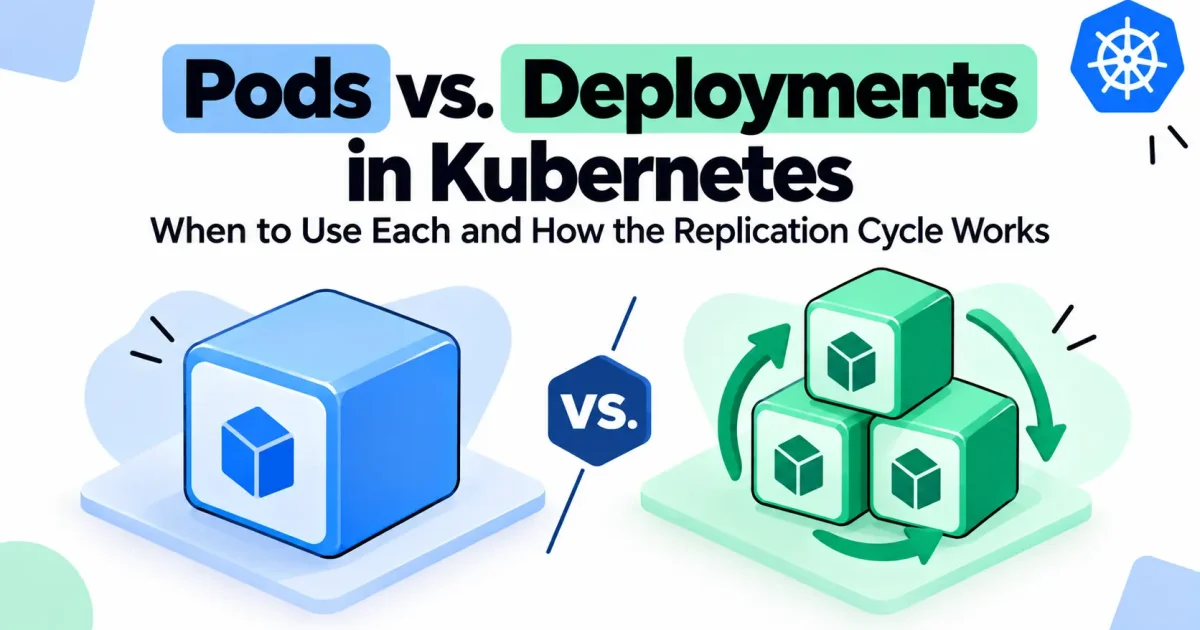
A Kubernetes Pod is the smallest unit the scheduler places on a node, but a bare Pod has no self-healing behavior: if it crashes and the underlying process can’t be restarted by the kubelet, or the node it’s on fails, nothing brings it back. A Deployment solves that by declaring a desired state — image, replica count, update strategy — and continuously reconciling the cluster toward it. Most confusion around these two objects comes from not knowing that a Deployment never manages Pods directly. It manages a ReplicaSet, and the ReplicaSet manages the Pods. Understanding that chain is what makes rolling updates, self-healing, and rollbacks make sense instead of feeling like magic.
What a Pod Is and What a Deployment Is
A Pod is one or more containers that share a network namespace, an IP address, and optionally storage volumes, scheduled together onto the same node. Pods are meant to be disposable. Kubernetes does not guarantee a Pod’s continued existence — nodes get drained, evicted, or fail, and Pods created without a controller behind them simply disappear when that happens.
A Deployment is a controller object that describes the desired end state of a stateless workload: which container image to run, how many replicas should exist, how updates should be rolled out, and how to roll back if something goes wrong. The Deployment itself doesn’t run anything — it delegates the actual work of keeping Pods alive to a ReplicaSet it creates and manages.
In practice, you almost never create standalone Pods in production. You define a Deployment (or a StatefulSet, DaemonSet, or Job for other workload shapes), and Kubernetes creates and supervises the Pods on your behalf.
Key Differences
| Aspect | Bare Pod | Deployment |
|---|---|---|
| Self-healing | None — a dead Pod stays dead | Yes, via its ReplicaSet |
| Scaling | Manual, one Pod at a time | Declarative, via replicas |
| Rolling updates | Not supported | Built-in, with configurable surge/unavailability |
| Rollback | Not supported | Yes, via revision history |
| Typical use case | One-off debugging, learning | Stateless production workloads |
| Managed by | Nothing (unless wrapped) | A ReplicaSet, which the Deployment owns |
The practical takeaway is that a Deployment is not a replacement for a Pod — it’s a management layer on top of Pods. You still end up with Pods running your containers; you just stop being responsible for creating and replacing them yourself.
How the Replication Cycle Actually Works
A Deployment does not watch individual Pods. It creates and owns a ReplicaSet, and the ReplicaSet is what actually keeps a target number of matching Pods running:
Deployment
   |
   |  creates / owns
   v
ReplicaSet  --(reconciliation loop)-->  N Pods running
   ^                                        |
   |                                        |
   +---- watches actual Pod count <---------+
The sequence, from spec to running workload, looks like this:
- You submit a Deployment spec with a container image, a
replicascount, a Pod template, and a label selector. - The Deployment controller creates a ReplicaSet that carries that Pod template and selector forward.
- The ReplicaSet controller compares the number of Pods currently matching its selector to the desired
replicasvalue. - If there are too few, it creates new Pods from the template. If there are too many — for example a stray Pod picked up a matching label — it deletes the extras.
- This comparison runs continuously as a control loop, not as a one-time reaction to a single event.
That last point matters more than it sounds. The ReplicaSet controller is level-triggered, not event-triggered: it doesn’t reason about “a Pod just died, replace it.” It repeatedly asks “how many matching Pods exist right now versus how many should exist,” and nudges the difference toward zero. That design is what makes it self-correcting even if it misses a specific event — a missed notification doesn’t leave the cluster in a wrong state forever, because the next reconciliation pass catches the discrepancy anyway.
It’s also worth separating two failure layers that get conflated. If a container inside a Pod crashes, the kubelet on that node restarts the container in place, according to the Pod’s restartPolicy — the ReplicaSet is never involved. The ReplicaSet only steps in when the Pod itself disappears entirely: node failure, eviction, or someone running kubectl delete pod.
Example Deployment Manifest
apiVersion: apps/v1
kind: Deployment
metadata:
  name: order-api
  labels:
    app: order-api
spec:
  replicas: 3
  selector:
    matchLabels:
      app: order-api
  template:
    metadata:
      labels:
        app: order-api
    spec:
      containers:
        - name: order-api
          image: registry.example.com/order-api:1.4.2
          ports:
            - containerPort: 8080
          resources:
            requests:
              cpu: "100m"
              memory: "128Mi"
            limits:
              cpu: "500m"
              memory: "256Mi"
The selector.matchLabels block is what ties the Deployment, its ReplicaSet, and the Pods together. If you ever change the selector on an existing Deployment, Kubernetes rejects the update, because it would orphan the existing ReplicaSet.
Rolling Updates: Why Deployments Sit on Top of ReplicaSets
When you update a Deployment — a new image tag, a changed environment variable, a modified resource limit — it does not edit the existing ReplicaSet’s Pods in place. Instead:
- The Deployment creates a new ReplicaSet carrying the updated Pod template, initially scaled to 0.
- It gradually scales the new ReplicaSet up while scaling the old one down, respecting
maxSurgeandmaxUnavailable. - Once the new ReplicaSet reaches the full replica count and the old one reaches zero, the rollout is complete.
- The old ReplicaSet is kept around at zero replicas rather than deleted, forming the revision history used for rollback.
1. Trigger a rolling update by changing the image
kubectl set image deployment/order-api order-api=registry.example.com/order-api:1.5.0

2. Watch the rollout progress
kubectl rollout status deployment/order-api

3. View revision history
kubectl rollout history deployment/order-api

4. Roll back to the previous revision if something breaks
kubectl rollout undo deployment/order-api
This is the real division of labor: the ReplicaSet’s job is narrow and mechanical — keep N Pods matching a fixed template alive. The Deployment’s job is to orchestrate transitions between ReplicaSets, which is what gives you versioned, revertible changes instead of a single object that would have to track its own history internally.
When to Use a Bare Pod vs. a Deployment
Use a bare Pod only for short-lived, disposable work where self-healing would actually be unwanted — for example, an interactive debugging session (kubectl run -it --restart=Never) or inspecting cluster internals. Even for one-off batch work, a Job is usually the better fit, since it tracks completion and can retry on failure without you managing replicas manually.
Use a Deployment for any stateless service meant to stay up: APIs, web front ends, background workers, anything that should survive a node failure, scale under load, or receive updates without downtime. If the workload needs stable network identities or persistent per-instance storage, reach for a StatefulSet instead; if it needs to run exactly once per node, use a DaemonSet. A Deployment specifically targets interchangeable, stateless replicas.
Common Mistakes
- Editing a ReplicaSet directly. Changes made to a ReplicaSet owned by a Deployment get overwritten the next time the Deployment reconciles — the Deployment is the source of truth, not the ReplicaSet.
- Deleting Pods to “force a restart” without understanding the selector. This works because the ReplicaSet replaces the deleted Pod, but if the label selector is too broad, it can match and disrupt Pods you didn’t intend to touch.
- Setting resource requests too low or omitting them. Without requests, the scheduler can pack Pods too densely, and eviction under node pressure becomes unpredictable — which then looks like a “replication cycle bug” when it’s actually a scheduling and resource-management issue.
- Assuming a rolling update guarantees zero downtime automatically. Without readiness probes configured, the Deployment can route traffic to new Pods before they’re actually ready to serve requests.
Troubleshooting: Replicas Not Reaching Desired Count
When kubectl get deployment shows fewer available replicas than desired, work through the chain in order:
- Check the Deployment’s ReplicaSet:
kubectl get rs -l app=order-api— confirm it exists and shows the expected desired count. - Check Pod status:
kubectl get pods -l app=order-api— look forPending,CrashLoopBackOff, orImagePullBackOff. - For
PendingPods, runkubectl describe pod <pod-name>and check the Events section for scheduling failures — usually insufficient CPU/memory on available nodes, or an unsatisfied node affinity/taint rule. - For
CrashLoopBackOff, checkkubectl logs <pod-name> --previousto see why the container exited before the kubelet restarted it. - Once the cause is fixed, confirm recovery with
kubectl rollout status deployment/order-api.
Production Considerations
- Readiness and liveness probes determine whether the reconciliation loop and the rollout process treat a Pod as healthy — without them, both self-healing and rolling updates are flying blind.
- PodDisruptionBudgets prevent voluntary disruptions (node drains, cluster upgrades) from taking down too many replicas of a Deployment at once.
- maxSurge and maxUnavailable should be tuned to match capacity headroom — high surge speeds up rollouts but temporarily uses more cluster resources.
- Revision history limits (
spec.revisionHistoryLimit) control how many old ReplicaSets are retained for rollback; keeping too many adds clutter without operational benefit.
Mental Model
Reduce the whole system to one relationship: Deployment manages ReplicaSets; ReplicaSet manages Pod count; kubelet manages container health inside a Pod. Each layer only handles the failure mode directly beneath it — the kubelet doesn’t know about desired replica counts, and the ReplicaSet doesn’t know about rollout history. Once that separation is clear, self-healing, scaling, and rolling updates all fall out of the same reconciliation pattern instead of looking like three unrelated features.
Conclusion
A bare Pod is fine for a debugging session, but production workloads need the reconciliation guarantees a Deployment provides. The mechanism behind those guarantees isn’t the Deployment watching Pods directly — it’s a chain of narrowly scoped controllers, from Deployment to ReplicaSet to individual Pods, each continuously reconciling its own small piece of desired versus actual state. Once you can trace a failure to the right layer in that chain, most “why didn’t Kubernetes fix this” questions answer themselves.
FAQ
Can a Deployment manage Pods that already exist?
No. A Deployment only manages Pods created from its own ReplicaSet’s template and matching its selector; it will not adopt unrelated pre-existing Pods.
What happens to old ReplicaSets after a rollout?
They’re scaled to zero replicas and retained, up to revisionHistoryLimit, so kubectl rollout undo has a target to restore.
Why did deleting a Pod not remove it from the cluster?
If the Pod is owned by a ReplicaSet, deleting it triggers immediate recreation to satisfy the desired replica count — you’re not deleting the workload, just cycling one instance of it.
Should I ever create a ReplicaSet directly instead of a Deployment?
Generally no. Deployments provide rollout and rollback management on top of ReplicaSets at effectively no extra cost, so there’s little reason to manage a ReplicaSet by hand in current Kubernetes versions.