
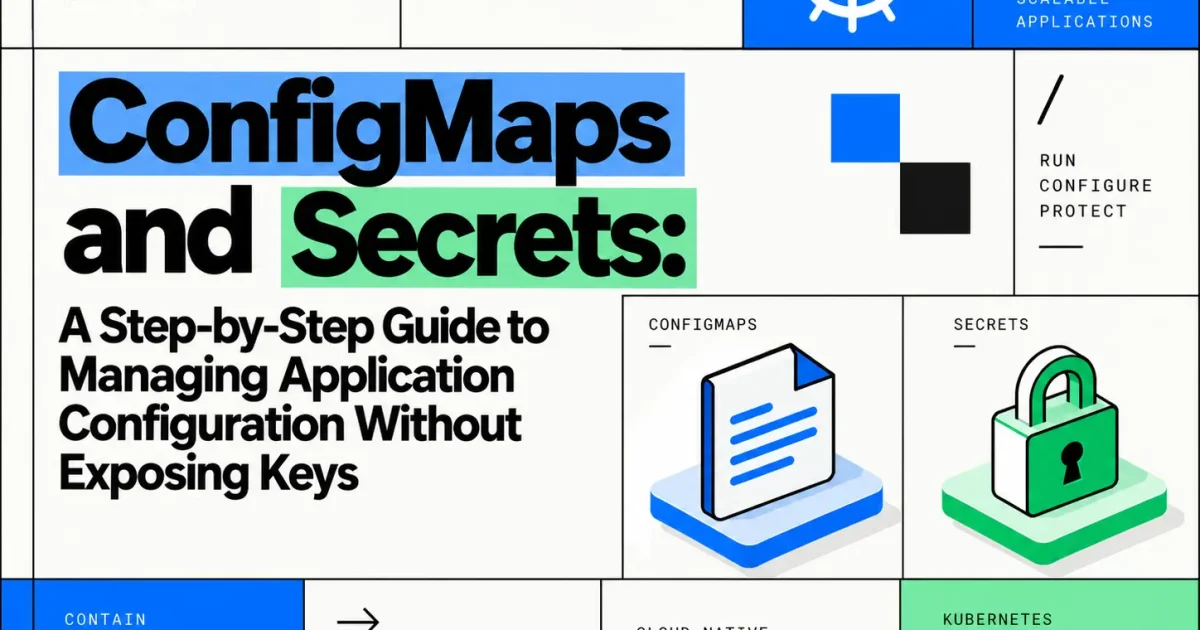
Hardcoding a database password or API key into a container image guarantees that credential ends up in your image registry, your CI logs, and every layer cache that ever pulled the image. Kubernetes separates configuration from code through two objects — ConfigMaps for non-sensitive values and Secrets for sensitive ones — but Secrets are frequently misused as if they were encryption, when by default they are not. This guide walks through creating both, injecting them into Pods correctly, and the specific steps needed to actually keep sensitive values out of source control, logs, and unauthorized hands.
What You’ll Build
By the end of this guide, you’ll have a Deployment that pulls its non-sensitive configuration from a ConfigMap and its database credentials from a Secret — with neither committed to version control, and with the Secret encrypted at rest in etcd.
Prerequisites
- A working Kubernetes cluster and
kubectlconfigured against it - Cluster-admin or namespace-level RBAC permissions sufficient to create ConfigMaps, Secrets, and Deployments
- Basic familiarity with Kubernetes Pods and Deployments
- Optional: access to cluster-level encryption configuration if you plan to enable encryption at rest
ConfigMaps vs. Secrets: What Actually Differs
A ConfigMap stores non-confidential key-value data — feature flags, log levels, hostnames, timeout values — as plain text. A Secret stores the same kind of key-value data but is intended for sensitive values: passwords, tokens, TLS keys. The important distinction that trips people up: a Secret’s values are base64-encoded, not encrypted, by default. Base64 is an encoding, not a cipher — anyone with API access to read the Secret object can decode it in one command. Real confidentiality requires additional layers, covered later in this guide.
| Aspect | ConfigMap | Secret |
|---|---|---|
| Intended data | Non-sensitive config | Passwords, tokens, keys, certificates |
| Storage format | Plain text | Base64-encoded (not encrypted by default) |
| Encryption at rest | Not applicable | Only if EncryptionConfiguration is enabled on the API server |
| kubectl get -o yaml | Shows raw values | Shows base64 values, trivially decodable |
| Typical injection | Env vars, mounted files | Env vars, mounted files (volume mount preferred) |
Step 1: Create a ConfigMap
Define the ConfigMap declaratively so it stays in version control alongside the rest of your manifests — nothing in a ConfigMap should be sensitive enough to require secrecy.
apiVersion: v1
kind: ConfigMap
metadata:
  name: order-api-config
data:
  LOG_LEVEL: "info"
  REQUEST_TIMEOUT_SECONDS: "30"
  FEATURE_NEW_CHECKOUT: "true"
kubectl apply -f order-api-config.yaml
kubectl get configmap order-api-config -o yaml
The second command should show the plain-text values exactly as written — confirming the ConfigMap applied correctly with no transformation of the data.
Step 2: Create a Secret — Without Committing It to Git
The single most common way credentials leak is committing a Secret manifest with real values to a repository. Avoid writing the value into a YAML file at all. Create the Secret imperatively from the command line instead:
kubectl create secret generic order-api-db-credentials \
  --from-literal=DB_USERNAME=order_api_svc \
  --from-literal=DB_PASSWORD='replace-with-a-real-secret-value'
If the value needs to come from a file — a TLS key or a service-account JSON, for example — use --from-file instead, and make sure that source file itself is excluded from version control:
kubectl create secret generic order-api-tls \
  --from-file=tls.crt=./certs/tls.crt \
  --from-file=tls.key=./certs/tls.key
If you do need a declarative manifest for GitOps workflows, do not put real values in it. Use a placeholder committed to Git and populate real values through a Secrets management tool at apply time — covered in the section on keeping Secrets out of source control below.
Confirm the Secret exists without printing its contents in plain text:
kubectl get secret order-api-db-credentials
kubectl describe secret order-api-db-credentials
describe lists key names and value sizes but not the values themselves, which is useful for verification without exposing the data on screen or in shell history.
Step 3: Inject Configuration Into a Deployment
Both ConfigMaps and Secrets can be consumed as environment variables or as mounted files. Environment variables are simpler but appear in kubectl describe pod output and process listings inside the container, which makes them a weaker choice for highly sensitive values. Mounted volumes avoid that exposure and support automatic updates when the underlying Secret changes.
apiVersion: apps/v1
kind: Deployment
metadata:
  name: order-api
spec:
  replicas: 3
  selector:
    matchLabels:
      app: order-api
  template:
    metadata:
      labels:
        app: order-api
    spec:
      containers:
        - name: order-api
          image: registry.example.com/order-api:1.4.2
          envFrom:
            - configMapRef:
                name: order-api-config
          env:
            - name: DB_USERNAME
              valueFrom:
                secretKeyRef:
                  name: order-api-db-credentials
                  key: DB_USERNAME
            - name: DB_PASSWORD
              valueFrom:
                secretKeyRef:
                  name: order-api-db-credentials
                  key: DB_PASSWORD
          volumeMounts:
            - name: tls-certs
              mountPath: /etc/tls
              readOnly: true
      volumes:
        - name: tls-certs
          secret:
            secretName: order-api-tls
            defaultMode: 0400
Note the split: non-sensitive configuration comes in wholesale through envFrom.configMapRef, while the database credentials are pulled individually through secretKeyRef so the Deployment manifest never contains a literal value. The TLS material is mounted as a read-only file with restrictive permissions (0400) rather than injected as an environment variable, since certificates and private keys are exactly the kind of value that shouldn’t appear in process environment dumps.
Step 4: Validate the Configuration Reached the Pod
# Confirm env vars are present (values will show, so restrict who can run this)
kubectl exec deploy/order-api -- env | grep -E 'LOG_LEVEL|DB_USERNAME'

# Confirm the mounted secret files exist with the right permissions
kubectl exec deploy/order-api -- ls -l /etc/tls
If the ConfigMap keys show up but the Secret-derived environment variables don’t, check that the key names in secretKeyRef.key exactly match the keys in the Secret — a mismatch here fails silently, leaving the Pod running without the expected variable rather than producing an error at deploy time.
Keeping Secrets Actually Secret
Creating a Secret object is only the first layer. Treat the following as required practice, not optional hardening:
- Never commit real Secret manifests to version control. Add
*.secret.yamlor similar patterns to.gitignore, and use pre-commit hooks or secret-scanning tools to catch accidental commits. - Enable encryption at rest. By default, Secrets are stored as base64 text in etcd — readable by anyone with etcd access. Configuring an
EncryptionConfigurationresource on the API server encrypts Secret data before it’s written to etcd. - Restrict access with RBAC. Scope
get,list, andwatchpermissions on Secrets to the specific service accounts and users that need them — avoid broadget secretspermissions at the cluster level. - Avoid Secrets in logs. Make sure application code doesn’t log the full environment or request bodies containing credentials passed through as Secrets.
- Use an external secrets manager for production credentials. Tools like External Secrets Operator, HashiCorp Vault, or a cloud provider’s secret manager (AWS Secrets Manager, GCP Secret Manager) let you keep the actual credential outside the cluster entirely, syncing it into a Kubernetes Secret at runtime rather than storing the source of truth in etcd.
- Rotate credentials on a schedule, and immediately after any suspected exposure — a Secret being hard to read is not the same as a Secret being impossible to compromise.
None of these measures work in isolation. Encryption at rest protects against etcd disk access but not against someone with API permissions calling kubectl get secret -o yaml. RBAC restricts API access but does nothing if the Secret was already committed to a public repository. Layering all of them is what actually closes the gap between “the value is technically encoded” and “the value is protected.”
Troubleshooting Common Issues
- Symptom: Pod stuck in
CreateContainerConfigError.
Likely cause: the Deployment references a ConfigMap or Secret key that doesn’t exist.
Diagnostic:kubectl describe pod <pod-name>and check the Events section for the missing key name.
Fix: correct the key name in the manifest or add the missing key to the ConfigMap/Secret, then re-apply. - Symptom: Updated a ConfigMap but the running Pod still uses old values.
Likely cause: environment variables sourced from a ConfigMap are only set at container start — they don’t update live.
Fix: trigger a rollout so new Pods pick up the change:kubectl rollout restart deployment/order-api. Mounted ConfigMap volumes do update automatically, but application code needs to detect the file change and reload. - Symptom:
kubectl applyfor a Secret fails with a decoding error.
Likely cause: a value underdatain the YAML wasn’t base64-encoded, or a value understringDatawas accidentally base64-encoded on top of already being plain text.
Fix: usestringDatafor plain-text values in manifests and let Kubernetes handle the encoding, or use--from-literalimperatively to avoid manual encoding entirely.
Common Mistakes
- Treating base64 as encryption. It’s an encoding scheme with no key — decoding requires no secret material at all.
- Putting sensitive values in ConfigMaps because they’re simpler to author, then discovering they were never protected by RBAC restrictions scoped to Secrets.
- Injecting high-sensitivity values as environment variables when a mounted volume would avoid exposure through process inspection and crash dumps.
- Skipping encryption at rest on the assumption that cluster network isolation alone is sufficient protection for etcd data.
Production Considerations
- Immutable ConfigMaps and Secrets (
immutable: true) prevent accidental in-place edits and reduce API server load from watch events on frequently-read objects. - Namespace scoping — Secrets are namespace-bound; don’t rely on cross-namespace access, and don’t duplicate the same credential across namespaces manually if a centralized secrets operator can sync it instead.
- Audit logging on Secret access helps detect unusual read patterns that could indicate a compromised service account.
- Size limits — both ConfigMaps and Secrets are capped at 1MiB by the API server; large configuration files should be handled differently, such as through an init container that fetches them from external storage.
Conclusion
ConfigMaps and Secrets solve the same structural problem — separating configuration from container images — but only Secrets carry the expectation of confidentiality, and that expectation isn’t met by default. Creating the object correctly is step one; encryption at rest, tight RBAC scoping, keeping real values out of version control, and using an external secrets manager for production credentials are what actually deliver on the “without exposing keys” part of the job.
FAQ
Are Kubernetes Secrets encrypted by default?
No. Values are base64-encoded, which is reversible without any key. Encryption at rest requires explicitly configuring an EncryptionConfiguration on the API server.
Should database passwords go in a ConfigMap or a Secret?
A Secret. ConfigMaps have no confidentiality controls and are commonly given broader read access across a namespace.
Do Pods automatically pick up updated Secret values?
Mounted volumes update automatically, though the application must detect and reload the change. Environment variables sourced from a Secret do not update without restarting the Pod.
Is an external secrets manager necessary for small clusters?
Not strictly, but even small deployments benefit from keeping the source of truth for credentials outside etcd, since it limits the blast radius if cluster access is ever compromised.